PhantSRE Alert Delivery
This doc describes how to connect PhantSRE and Zoomphant.
Step 1: Create the webhook at the PhantSRE
Click create webhook: 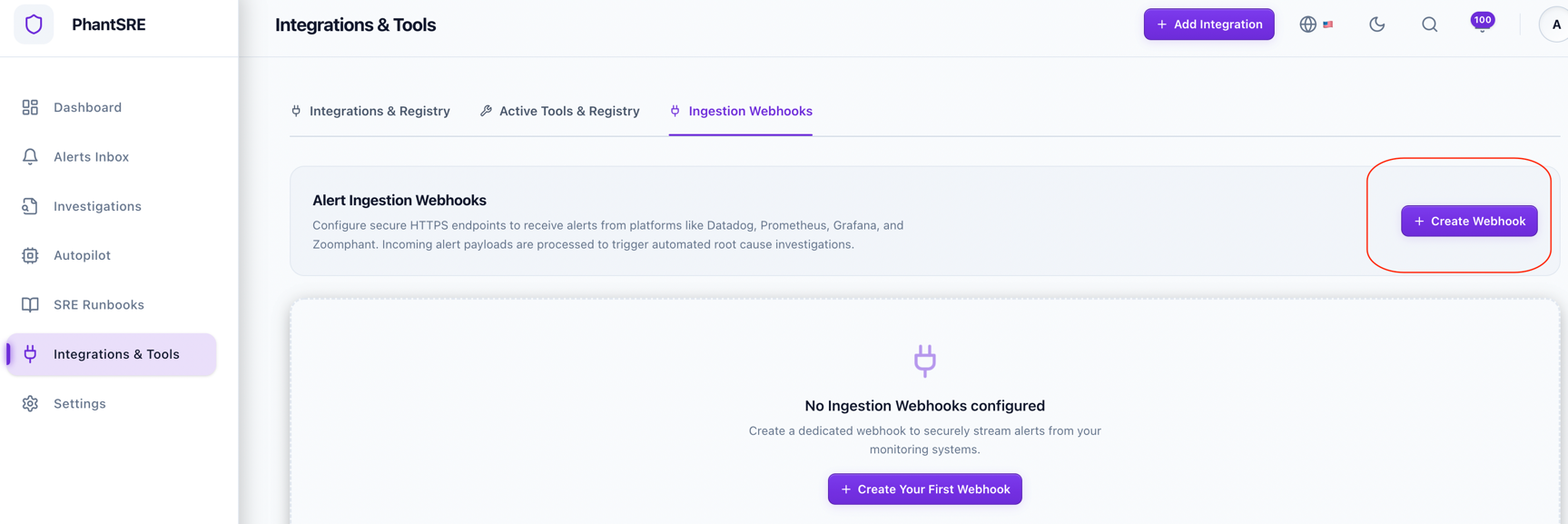
and check whether you need Root Cause Analysis (RCA) automatically (This requires much more AI tokens consumption):
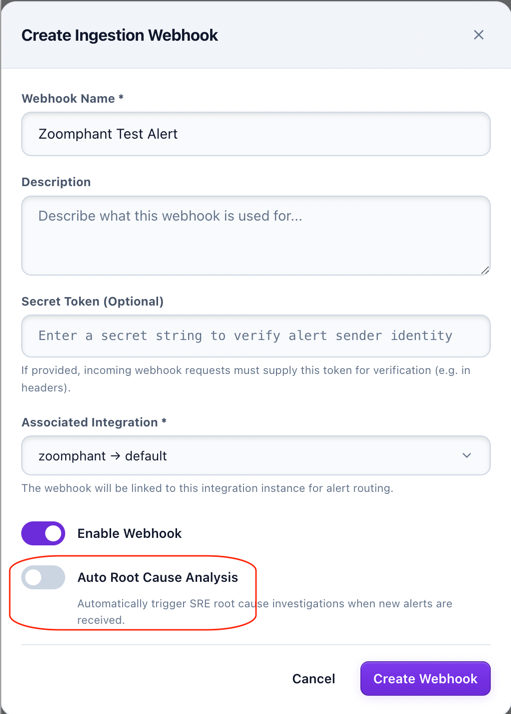
and then you get some url like: (note the hostname maybe different)
https://sre.zervice.us/sre/api/v1/webhooks/local/245ecb94-0131-xxxx
Step 2: Create Alert Delivery
Please refer to Alert Delivery to create the alert delivery and choose type "Webhook" using the provided webhook url.