Postgres exporter
ZoomPhant provides an easy way for you to monitor Postgres.
Creating Postgres monitoring
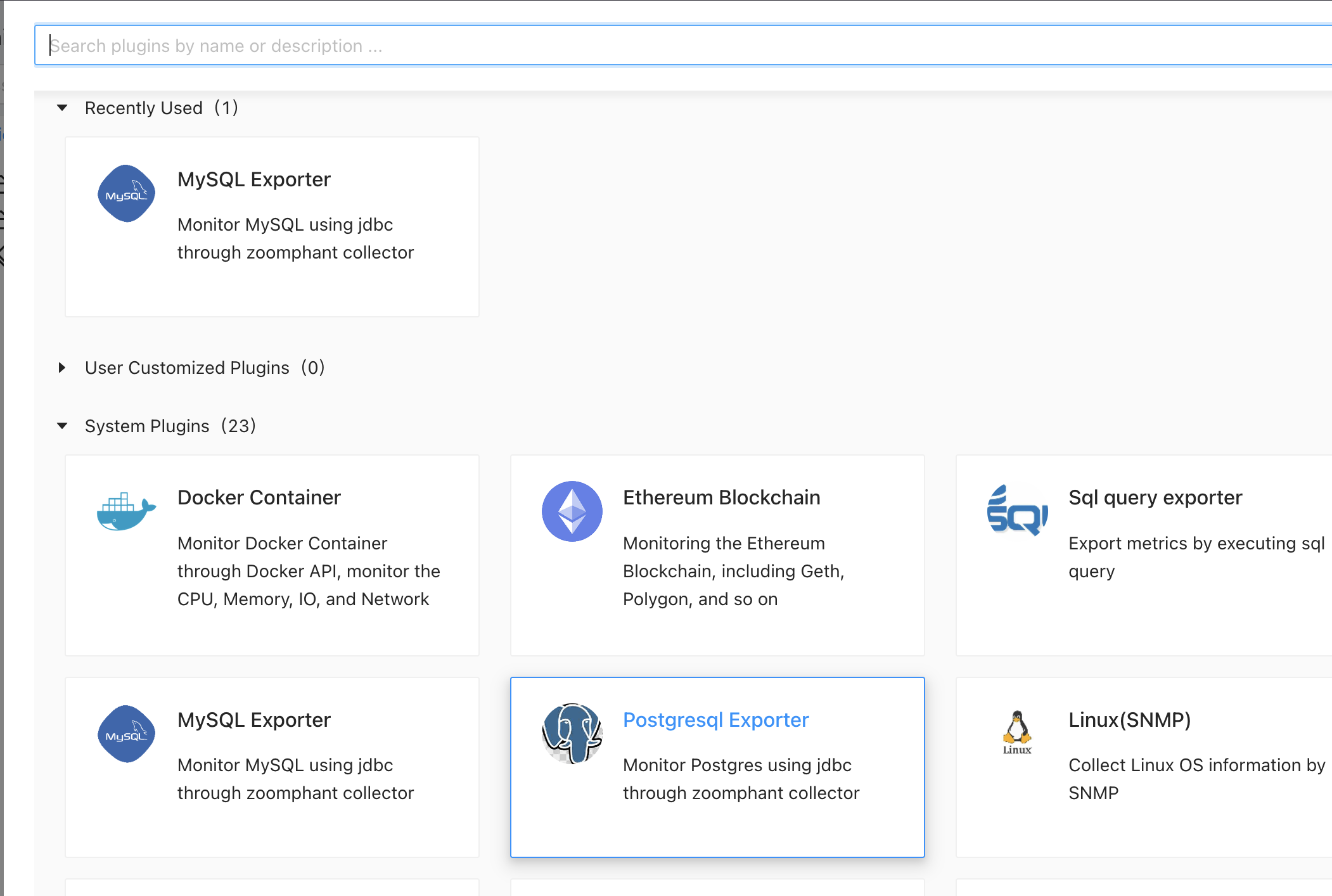
To monitor Postgres, you can choose the Postgresql exporter plugin as shown in Add Monitor Service and provide following necessary parameters to create a monitoring service:
jdbc.url: required. the jdbc url. below are some examples:
Database type jdbc.url example SQL Server jdbc:sqlserver://localhost:1433;databaseName=mydatabase;user=myuser;password=mypassword MySQL jdbc:mysql://localhost:3306/mydatabase Postgres SQL jdbc:postgresql://localhost:5432/mydatabase Oracle jdbc:oracle:thin:@//localhost:1521/XE Clickhouse jdbc:clickhouse://localhost:8123/default jdbc.user: optional. the jdbc user.
jdbc.password: optional. the jdbc password.
Note: we will run the sql query in READONLY mode to keep your data secure.